
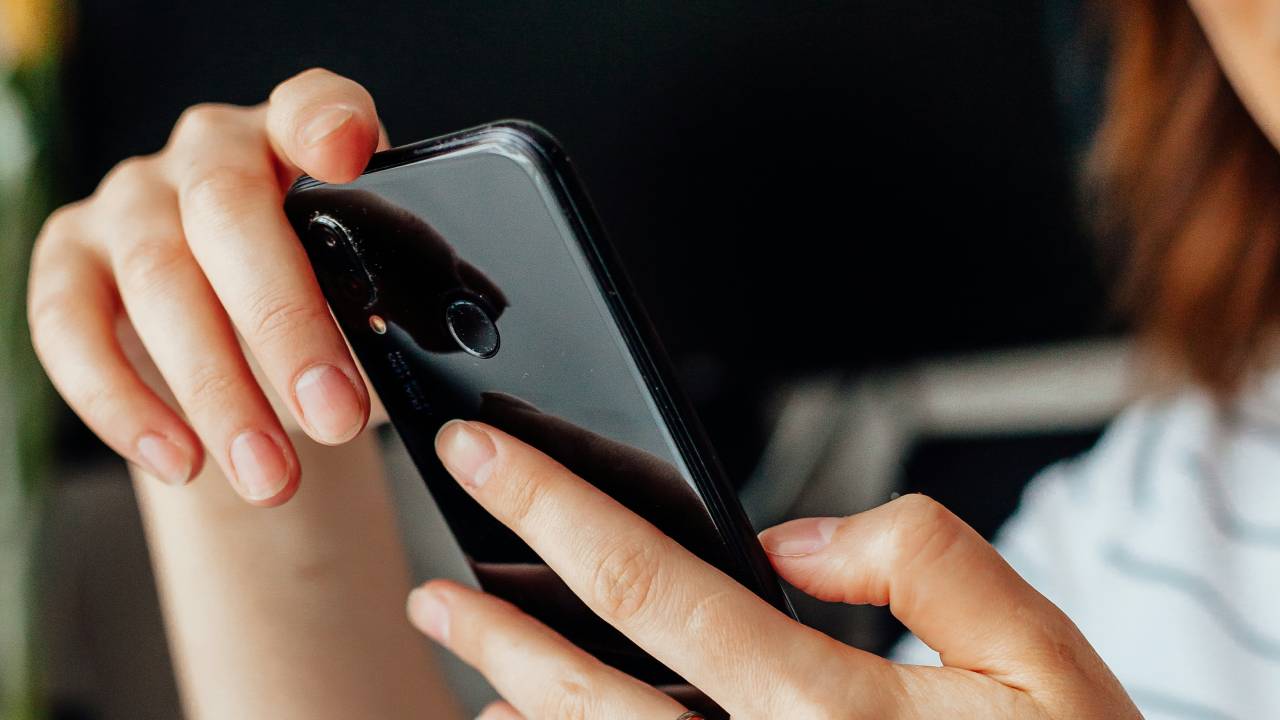
Android is packed with powerful features, but many users only scratch the surface of what their smartphones can do. Beyond the familiar settings and apps, Android includes hidden tools that can boost productivity, improve security, extend battery life, and make everyday tasks easier.
In this guide, we’ll explore some of the most useful hidden Android features you should start using in 2026.
1. Split Screen Mode
Need to use two apps at the same time? Split Screen lets you multitask without constantly switching between apps.
How to Use It
- Open the Recent Apps screen.
- Tap the app icon.
- Select Split Screen (if available).
- Choose the second app.
Best Uses
- Take notes while watching a lecture.
- Compare two documents.
- Chat while browsing the web.
- Copy information between apps.
2. App Pinning
App Pinning locks your phone to a single app until you unlock it, making it useful when handing your device to someone else.
Enable It
- Open Settings > Security & Privacy (the exact path may vary by device).
- Turn on App Pinning.
- Pin an app from the Recent Apps screen.
Why Use It?
- Protect personal information.
- Prevent accidental app switching.
- Safely lend your phone to children or friends.
3. Live Caption
Live Caption automatically creates captions for supported audio and video playing on your device.
Benefits
- Watch videos without sound.
- Improve accessibility.
- Follow conversations more easily in noisy environments.
4. Nearby Share (Quick Share)
Transfer files, photos, videos, and documents between compatible Android devices without using cables.
Advantages
- Fast wireless transfers.
- Easy sharing with nearby devices.
- Works for photos, documents, and videos.
5. Digital Wellbeing
Monitor how you use your phone and reduce distractions.
Features
- Screen time tracking
- Focus Mode
- Bedtime Mode
- App timers
- Notification management
This feature is especially useful for students and professionals who want to improve productivity.
6. Battery Saver and Adaptive Battery
Android uses AI to learn your app usage patterns and optimize battery life.
Benefits
- Longer battery life
- Reduced background activity
- Smarter power management
Enable these options in your battery settings to get the most out of your device.
7. One-Handed Mode
Large smartphones can be difficult to use with one hand. One-Handed Mode temporarily moves the screen content lower for easier access.
Great For
- Walking
- Commuting
- Using your phone with one hand
8. Notification History
Ever dismissed an important notification by mistake? Notification History lets you view recently cleared notifications.
How to Enable
- Open Settings.
- Go to Notifications.
- Turn on Notification History.
Now you can review notifications you’ve accidentally swiped away.